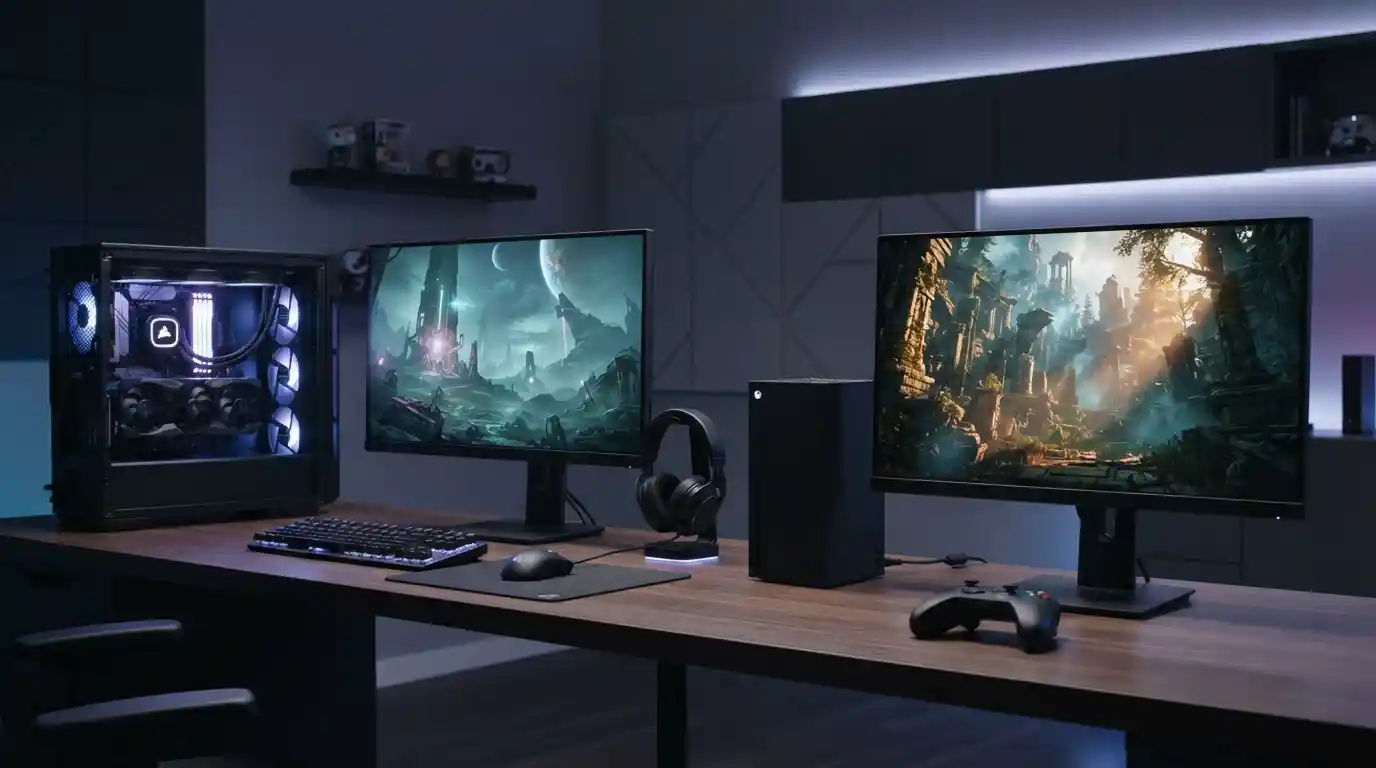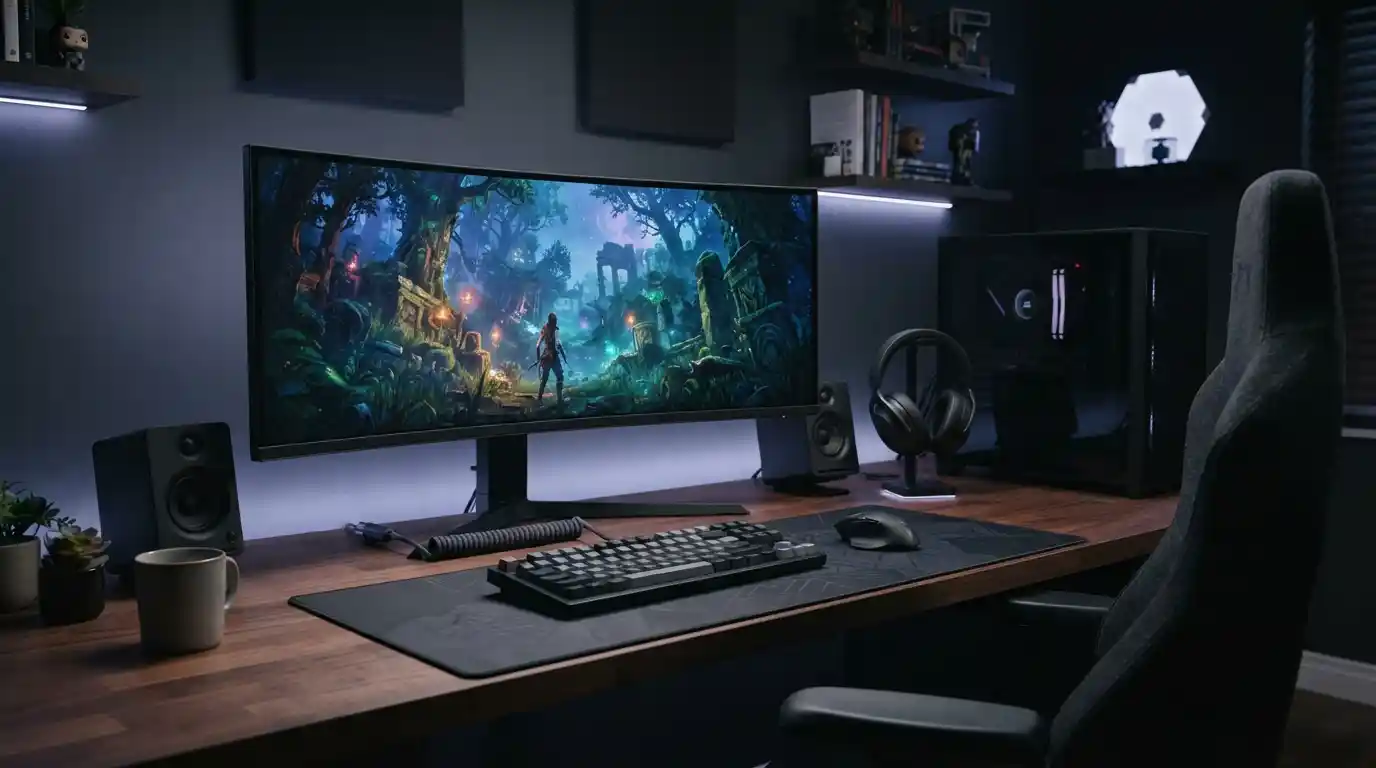
Gaming is no longer limited to a console, PC, and standard controller. The right accessories can transform an ordinary setup into a more comfortable, responsive, and immersive gaming environment. From precision controls and gaming audio to better displays, lighting, connectivity, and ergonomic equipment, every component can influence how you play.
Whether you are building your first gaming station or upgrading an established setup, the goal is not simply to buy more equipment. The best gaming accessories are the ones that improve the parts of your experience that matter most.
What Makes a Gaming Accessory Worth Buying?
A useful gaming accessory should solve a real problem. It may improve accuracy, reduce distractions, make long sessions more comfortable, or provide a more engaging audio and visual experience.
Before shopping, consider your platform, favorite game genres, available space, budget, and the weaknesses of your current setup. Someone who plays competitive shooters may prioritize a responsive mouse and accurate headset, while a racing enthusiast may benefit more from a dedicated wheel and pedal system.
It is also worth considering the rest of your technology. For example, understanding the difference between console and PC gaming can help you choose accessories that are compatible with the way you play.
1. Gaming Mouse for Better Precision
A gaming mouse can make a major difference in genres where precise movement matters. First-person shooters, strategy games, multiplayer battle games, and many PC titles benefit from responsive tracking and programmable controls.
Look for a comfortable shape, dependable sensor performance, suitable sensitivity controls, and buttons that match your gaming habits. Wireless models can also help create a cleaner desk, provided they offer reliable connectivity and battery life.
Your mouse should complement your broader gaming setup rather than simply offering the highest specifications available.
2. Mechanical Gaming Keyboard
A mechanical keyboard can provide tactile feedback, consistent key presses, and a more satisfying experience during extended gaming sessions. Different switches produce different levels of resistance and sound, so personal preference matters.
Features such as customizable keys, adjustable lighting, detachable cables, and compact layouts can also make a keyboard more useful beyond gaming.
If you regularly switch between gaming and productivity, pairing your keyboard with productivity-focused apps can help you make better use of the same technology ecosystem.
3. Gaming Headset for Immersive Audio
Sound is one of the most important elements of an immersive gaming experience. A quality headset can make environmental details easier to hear while also improving communication during multiplayer sessions.
Look for clear audio, a comfortable headband, breathable ear cushions, and a microphone that produces understandable voice communication. Surround or spatial audio features may also enhance positional awareness in supported games.
Comfort is particularly important because a headset that sounds excellent but becomes uncomfortable after an hour can quickly become a poor investment.
4. Gaming Monitor for Visual Immersion
A gaming monitor directly affects how you see the game world. Resolution, refresh rate, response time, panel characteristics, screen size, and adaptive-sync support can all influence the experience.
Competitive players may prioritize high refresh rates and low response times, while story-driven gamers may prefer a larger display with strong image quality.
Your monitor should also be matched to your computer’s capabilities. A powerful display cannot automatically make a lower-powered system deliver higher frame rates.
5. Graphics Card for High-Quality Gaming
For PC gamers, the graphics card is one of the most important pieces of hardware influencing visual performance. It helps determine the resolutions, graphical settings, frame rates, and visual effects your system can handle.
If you are planning a major PC upgrade, start by understanding how graphics cards impact gaming performance. This can help you avoid spending money on hardware that does not provide a meaningful improvement for your particular games.
It is also important to consider compatibility with the processor, power supply, motherboard, case, and monitor.
6. Gaming Controller
A dedicated controller can be an excellent addition to both console and PC gaming. Controllers are particularly useful for racing games, platformers, sports titles, fighting games, and other genres designed around analog movement.
When choosing one, consider button layout, trigger feel, stick precision, connectivity, ergonomics, and compatibility with your preferred platform.
Players who use multiple platforms should check compatibility before purchasing. A controller that works perfectly with one system may have limited functionality elsewhere.
7. Racing Wheel and Pedals
Racing wheels can dramatically change the feel of driving games. Instead of relying on a standard controller, players can use a steering wheel, pedals, and sometimes a dedicated stand or cockpit.
This type of equipment is particularly attractive to racing enthusiasts who want more realistic steering control and physical feedback. However, racing hardware requires additional space and can be considerably more expensive than conventional gaming accessories.
Before investing, measure your available room and decide whether you want a permanent racing station or equipment that can be stored between sessions.
8. Gaming Chair and Ergonomic Support
A gaming chair should focus on comfort and proper support rather than appearance alone. Adjustable height, suitable lumbar support, armrests, seat depth, and a comfortable backrest can make long sessions easier to manage.
You do not necessarily need a chair marketed specifically as a gaming product. An ergonomic office chair can also be an excellent choice if it provides the support and adjustments you need.
Creating a comfortable workstation is especially valuable when gaming is combined with other computer-based activities.
9. Gaming Desk and Cable Management
A stable desk gives your equipment a reliable foundation. It should provide enough space for your monitor, keyboard, mouse, speakers, accessories, and other devices without making the area feel crowded.
Cable management can also make a surprisingly large difference. Cable clips, under-desk trays, sleeves, and strategically positioned power strips can reduce clutter and make your setup easier to maintain.
A cleaner workspace can also make it easier to integrate additional technology as your setup evolves.
10. Gaming Mouse Pad
A mouse pad is simple, but it can directly affect mouse movement. Larger gaming surfaces give players more room for low-sensitivity movements and can help create a consistent tracking surface.
Choose between speed-oriented and control-oriented surfaces based on your preferred mouse settings and games. The important factor is consistent movement rather than the branding on the product.
11. Gaming Speakers
A headset is not always ideal. Gaming speakers can create a more relaxed experience when you do not need private audio or voice communication.
A suitable speaker system can also complement single-player games, movies, music, and general desktop use. If you have limited desk space, compact speakers or a soundbar may provide a better balance between audio quality and practicality.
Those building a broader technology setup may also want to explore the future of wearable technology to understand how connected devices are expanding beyond traditional screens.
12. Gaming Capture Card
A capture card is useful for gamers who record gameplay, stream to an audience, or produce gaming content. It can allow gameplay footage from a console or another computer to be captured by a separate system.
When choosing a capture card, consider supported resolutions, frame rates, connection standards, passthrough capabilities, software compatibility, and the requirements of your streaming workflow.
Content creators should also keep their overall technology stack organized. Staying informed through the latest technology updates can help when deciding which new tools are worth adding.
13. Gaming Microphone
A dedicated microphone can significantly improve voice quality for streamers, podcasters, multiplayer gamers, and online communities. Compared with many built-in headset microphones, standalone microphones can provide greater control over voice clarity and recording quality.
USB microphones are generally convenient for beginners, while more advanced audio setups can use additional interfaces and microphones.
Choose equipment based on your actual content needs instead of purchasing complicated hardware before you need it.
14. RGB Lighting and Ambient Lighting
Lighting can change the atmosphere of a gaming room. RGB strips, desk lighting, monitor lighting, and other ambient solutions can create a visually distinctive environment.
However, lighting should complement the setup rather than distract from the display. Adjustable brightness and indirect positioning are often more useful than simply using the brightest possible lights.
If you are designing a technology-focused room, it can be helpful to think about lighting alongside your broader digital environment rather than treating it as an isolated accessory.
15. USB Hub and Connectivity Accessories
Modern gaming setups can quickly run out of USB ports. A quality USB hub can provide additional connections for controllers, keyboards, mice, microphones, external drives, charging cables, and other peripherals.
Pay attention to transfer speeds, power delivery, connector types, and the number of ports. Avoid treating every USB hub as identical because their capabilities can vary significantly.
Connectivity is becoming increasingly important as more devices communicate with computers and networks.
16. External Storage
Modern games can occupy substantial amounts of storage space. An additional SSD or other suitable storage solution can provide room for a growing game library while making file management easier.
Before buying external storage, check whether your platform supports the drive and whether it can be used directly for installing and running games.
Storage can also be useful for keeping recorded gameplay, screenshots, game captures, and other media separate from the main system drive.
17. Gaming Router and Network Equipment
For online gaming, network stability can matter as much as raw internet speed. A reliable router, sensible device placement, and a strong wired or wireless connection can help reduce interruptions.
Gamers should pay attention to latency, connection consistency, congestion, and the number of devices sharing the network rather than focusing only on advertised download speeds.
Security is equally important for connected gaming environments. Understanding how artificial intelligence improves cybersecurity provides useful background on the wider technologies being used to protect modern digital systems.
18. Surge Protection and Power Management
Gaming PCs, consoles, monitors, speakers, and other peripherals can create a complicated power setup. A suitable surge protector can help organize connections and provide additional protection against certain electrical events.
For expensive equipment, a suitable uninterruptible power supply may also be worth considering, particularly where short power interruptions are common.
Always choose power equipment appropriate for the devices you intend to connect and follow the manufacturer’s electrical specifications.
How to Build an Immersive Gaming Setup on a Budget
You do not need to buy every accessory at once. Start with the component that solves your biggest problem.
- For better accuracy: prioritize a quality mouse, keyboard, or controller.
- For better audio: invest in a comfortable headset or suitable speakers.
- For visual improvement: consider the monitor before adding decorative equipment.
- For comfort: focus on your chair, desk height, and overall ergonomics.
- For streaming: consider a microphone, capture card, lighting, and appropriate storage.
- For online gaming: prioritize a stable network connection.
Budget-conscious gamers can also look beyond gaming-specific products. Some office, audio, computing, and mobile accessories can perform extremely well without carrying a gaming-focused premium.
Console Gaming vs. PC Gaming Accessories
Accessory requirements vary depending on the platform. PC gaming often provides more opportunities for customization, including mechanical keyboards, gaming mice, high-refresh-rate monitors, internal upgrades, and specialized audio equipment.
Console users may instead prioritize controllers, headsets, charging stations, storage expansion, capture cards, and entertainment-focused audio equipment.
If you are deciding between platforms, compare your priorities with console and PC gaming differences before building your accessory collection.
Don’t Forget the Gaming PC’s Software
Hardware is only part of the experience. Drivers, operating-system updates, game patches, security tools, and peripheral software can affect performance and stability.
Keeping important applications and system components current is also a security consideration. Our guide on the risks of using outdated software explains why neglected updates can create unnecessary problems.
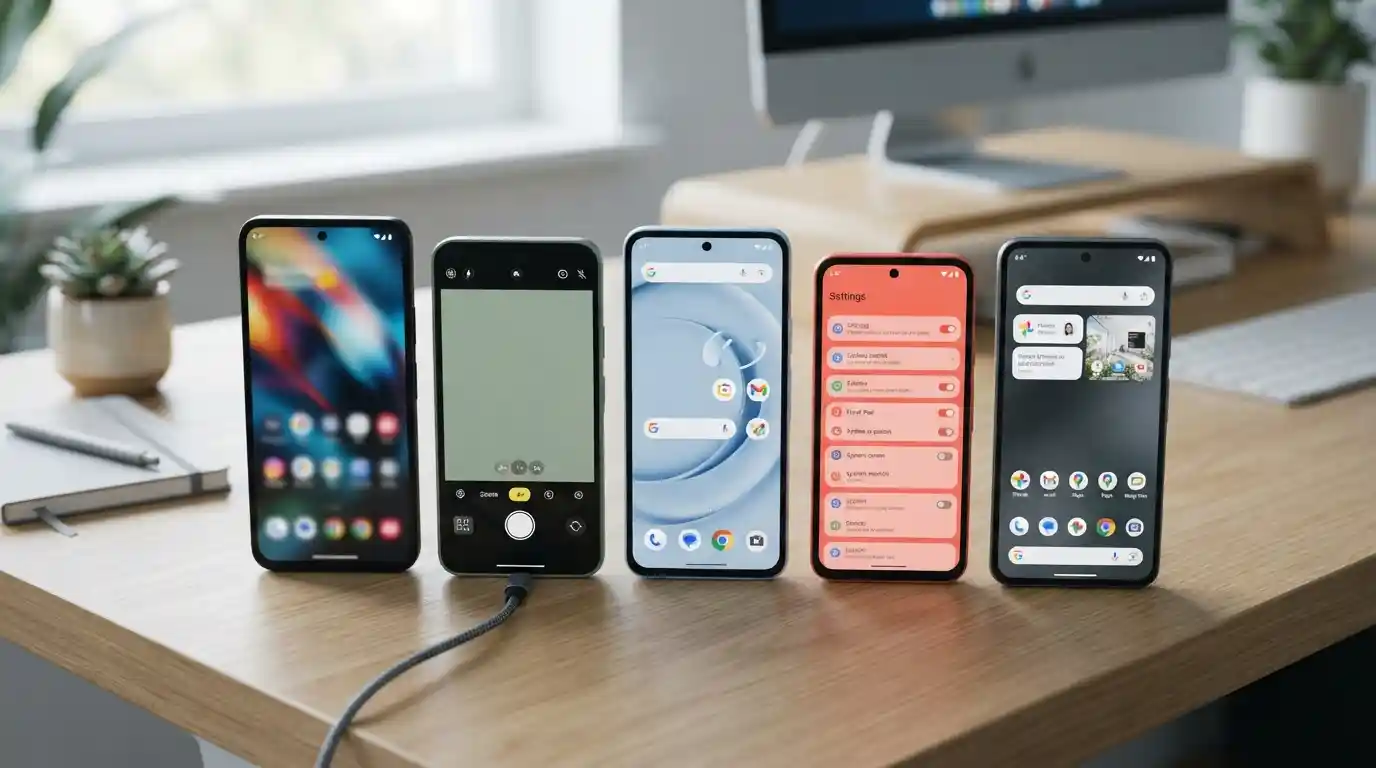
Gamers who use smartphones alongside their computers can also benefit from choosing useful mobile tools. Our guide to budget smartphones provides additional context for users considering affordable mobile technology.
How to Choose Gaming Accessories That Last
Durability should be part of every purchasing decision. Look for products with solid construction, replaceable components where appropriate, dependable connectivity, and warranty coverage.
It is also sensible to avoid buying hardware simply because it has an impressive specification sheet. The most expensive accessory is not automatically the best choice for every player.
Think about compatibility and future upgrades as well. A well-planned setup can accommodate new components without requiring you to replace everything at the same time.
Common Gaming Accessory Mistakes
- Buying accessories without checking platform compatibility.
- Prioritizing RGB lighting over performance and comfort.
- Choosing a headset without considering long-session comfort.
- Buying a monitor that exceeds the capabilities of the gaming system.
- Ignoring cable management and desk ergonomics.
- Adding too many peripherals without enough available ports.
- Neglecting software and firmware updates.
- Choosing products based only on gaming branding rather than actual specifications.
Final Thoughts
The best gaming accessories are not necessarily the most expensive or most visually impressive. The right choices improve the aspects of gaming you care about most, whether that means greater precision, stronger audio, better visuals, improved comfort, easier streaming, or a more organized gaming environment.
Start with the biggest weakness in your current setup and upgrade gradually. A carefully selected mouse, keyboard, headset, monitor, chair, storage solution, or networking accessory can deliver more practical value than purchasing a large collection of equipment you rarely use.
As gaming technology continues to evolve, staying informed about broader developments in computing and digital technology can help you make smarter upgrade decisions. Explore more technology topics through the LeadingVista blog and build a gaming environment that matches the way you actually play.
ing a large collection of equipment you rarely use.
As gaming technology continues to evolve, staying informed about broader developments in computing and digital technology can help you make smarter upgrade decisions. Explore more technology topics through the LeadingVista blog and build a gaming environment that matches the way you actually play.