Your smartphone can be one of your biggest productivity tools—or one of your biggest distractions. The difference often comes down to which apps you install and how intentionally you use them.
The right mobile productivity apps can help you organize tasks, manage schedules, capture ideas, communicate with colleagues, track habits, protect your focus, and automate repetitive work. Instead of constantly switching between scattered tools, a carefully selected mobile app setup can turn your phone into a practical personal workspace.
This guide explores the types of mobile apps that can genuinely improve productivity, including task managers, note-taking tools, calendar apps, focus tools, communication platforms, automation apps, and AI-powered assistants.
Why Mobile Productivity Apps Matter
Modern smartphones are powerful enough to handle many of the tasks that once required a desktop computer. From managing projects to editing documents and organizing personal schedules, mobile technology has become an important part of everyday work.
If you are interested in getting more value from your smartphone, it also helps to understand how budget smartphones can deliver useful features without requiring a premium device.
However, installing dozens of apps does not automatically make someone more productive. Too many notifications, duplicate tools, unnecessary subscriptions, and complicated workflows can create more digital clutter.
The goal should be simple: choose apps that solve specific problems and make important tasks easier to complete.
1. Task Management Apps
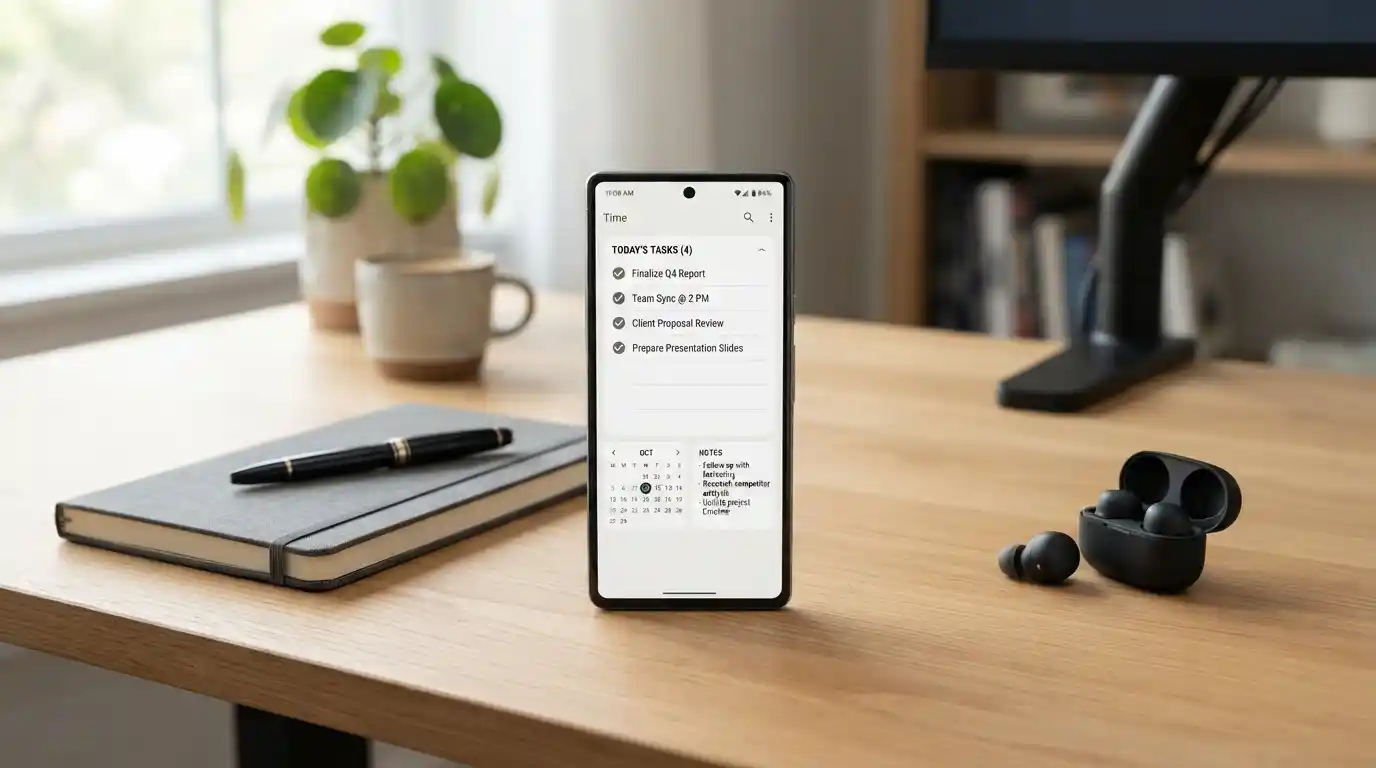
Task management apps are among the most useful productivity tools available for smartphones. They provide a central place to record responsibilities, deadlines, reminders, and upcoming priorities.
A good task manager can prevent important tasks from getting lost in emails, text messages, notebooks, or memory. Instead of trying to remember everything, you can capture a task immediately and decide when it needs to be completed.
Look for features such as:
- Due dates and reminders
- Recurring tasks
- Priority levels
- Project and category organization
- Subtasks
- Cross-device synchronization
- Home-screen widgets
For simple personal workflows, a lightweight task app may be enough. Professionals managing multiple projects may benefit from more advanced project-management features.
2. Calendar and Scheduling Apps
A task list tells you what needs to be done, while a calendar helps determine when you will actually do it.
Calendar apps are particularly useful for people managing meetings, appointments, deadlines, study sessions, travel plans, and recurring commitments.
Instead of keeping your schedule in your head, use your phone to create a visual overview of your day or week. Time-blocking can also help you reserve dedicated periods for focused work.
The best scheduling setup is one that is easy to update. If adding or moving an appointment takes too many steps, you are less likely to maintain your calendar consistently.
3. Note-Taking Apps
Ideas can appear at inconvenient times. A note-taking app gives you a fast way to capture them before they disappear.
You can use mobile notes for meeting ideas, shopping lists, research points, article concepts, project information, voice notes, study material, or personal reminders.
More advanced note-taking platforms can connect individual pieces of information and create a searchable knowledge base. This can be particularly valuable for students, writers, researchers, entrepreneurs, and content creators.
When choosing a notes app, consider whether you need simple text capture or more advanced capabilities such as folders, tags, document attachments, handwriting, collaboration, offline access, and synchronization.
4. AI-Powered Productivity Apps
Artificial intelligence has become increasingly useful for everyday productivity. AI-powered mobile tools can help summarize information, generate ideas, rewrite text, organize information, answer questions, and assist with repetitive tasks.
This makes AI especially valuable for people who regularly work with large amounts of information.
If you want to understand the broader role of artificial intelligence in modern technology, explore our guide to how artificial intelligence can improve cybersecurity. Security is an important consideration when using AI and mobile technology because productivity should never come at the expense of protecting sensitive information.
AI should generally be treated as an assistant rather than an automatic replacement for human judgment. Review important information before relying on it for professional, financial, legal, or other high-impact decisions.
5. Focus and Distraction-Blocking Apps
One of the biggest productivity problems with smartphones is that the same device used for work is also filled with entertainment, social media, shopping, games, and notifications.
Focus apps can help create boundaries between productive time and recreational time.
Useful features may include:
- Pomodoro-style timers
- App blocking
- Website blocking
- Scheduled focus sessions
- Screen-time reports
- Notification management
Rather than trying to eliminate every distraction, start by identifying the apps that most frequently interrupt your concentration. Then create specific periods when those distractions are restricted.
6. Communication Apps
Communication is essential for modern teams, freelancers, students, and businesses. Mobile messaging and collaboration apps allow people to stay connected without being tied to a desktop.
However, communication can quickly become a productivity problem when every notification demands immediate attention.
A better approach is to establish communication rules. Turn off nonessential alerts, use priority notifications for genuinely urgent conversations, and schedule dedicated periods for checking messages.
This allows your phone to support collaboration without constantly interrupting deep work.
7. Automation Apps
Automation can save significant amounts of time by reducing repetitive actions.
Depending on your device and workflow, automation tools can help trigger actions, organize information, connect different services, create reminders, and simplify recurring processes.
For example, you might automate a routine reminder, organize incoming information, or create a workflow that moves information between compatible applications.
The best automation opportunities are usually repetitive tasks that follow the same basic pattern every time.
8. Time-Tracking Apps
It is difficult to improve productivity if you do not know where your time is going.
Time-tracking apps can help identify how long you spend on different projects, meetings, administrative work, or personal activities.
This can be especially useful for freelancers who bill clients by time, business owners managing projects, and professionals who want to identify inefficient routines.
After tracking your time for several days, look for patterns. You may discover that small interruptions are consuming much more time than expected.
9. Cloud Storage and File Management Apps
Cloud storage apps make important files accessible from multiple devices. Instead of relying on a single computer, you can keep documents, images, presentations, spreadsheets, and other files available when you need them.
This can make mobile work much more practical, especially when combined with document-editing applications.
Organize files into logical folders and use consistent naming conventions. A cloud account filled with thousands of poorly labelled files can become just as difficult to manage as a cluttered computer.
10. Habit-Tracking Apps
Productivity is not only about completing individual tasks. Consistent habits can have a major influence on long-term results.
Habit-tracking apps can help you monitor routines such as reading, exercise, studying, writing, meditation, hydration, or regular planning.
The key is to avoid tracking too many habits simultaneously. Choose a few behaviors that directly support your goals and build consistency before adding more.
11. Password and Security Apps
Productivity also depends on secure access to your digital accounts. Reusing passwords or constantly resetting forgotten credentials can waste time while increasing security risks.
A reputable password-management solution can make it easier to create and manage strong, unique credentials.
Security should also extend to the software running on your phone. Understanding the risks of using outdated software is important because outdated applications can create security and reliability problems.
Keep your operating system and important apps updated, review application permissions regularly, and avoid installing software from questionable sources.
12. Productivity Apps for Wearable Devices
Smartwatches and other wearable devices can complement mobile productivity tools by providing quick access to reminders, notifications, timers, calendars, and health-related information.
If you are interested in the direction of this technology, our guide to the future of wearable technology explores how connected devices are becoming more integrated into everyday life.
A wearable should reduce friction rather than create another stream of distractions. Configure notifications carefully so that only genuinely useful information reaches your wrist.
13. Mobile Browsers and Research Tools
Many people use their smartphones for research, reading, comparison shopping, professional research, and learning.
A good mobile browser combined with bookmarking, reading-list, and note-taking capabilities can turn your phone into a useful research tool.
Instead of opening dozens of tabs and forgetting them, save useful information into an organized system. This makes it easier to return to important material later.
14. Apps for Managing Digital Workflows
Productivity becomes easier when different parts of your digital workflow work together.
Modern technology companies are increasingly building tools around connected workflows, automation, artificial intelligence, and data management. You can explore examples in our coverage of business technology and digital innovation and modern data solutions for enterprises.
The objective is not to connect every app you own. Instead, identify the few connections that remove repetitive work.
15. Productivity Apps for Digital Marketers and Business Owners
Mobile productivity tools can be particularly valuable for entrepreneurs and marketing professionals. Managing campaigns, reviewing analytics, communicating with clients, capturing content ideas, and monitoring projects can often be handled from a smartphone.
If digital marketing is part of your work, our coverage of advanced digital marketing strategies provides additional context around building effective digital workflows.
Understanding the global impact of digital marketing on modern businesses can also help business owners see where mobile tools fit into broader digital operations.
How to Choose the Right Productivity Apps
There is no single productivity app that works perfectly for everyone. The best choice depends on your work style, responsibilities, devices, budget, and goals.
Before installing an app, ask yourself what problem it is supposed to solve.
- Do you need better task management?
- Are you struggling to manage your schedule?
- Do you frequently lose important notes?
- Are notifications disrupting your concentration?
- Do repetitive tasks consume too much time?
- Do you need better collaboration?
- Are you trying to build consistent habits?
Once you identify the problem, choose one application designed to address it rather than downloading multiple apps that perform nearly identical functions.
How Many Productivity Apps Should You Use?
More apps do not necessarily mean more productivity. In fact, excessive tools can create additional work because you have to maintain multiple accounts, notifications, dashboards, subscriptions, and workflows.
A simple productivity stack might include:
- One task manager
- One calendar
- One notes application
- One communication platform
- One focus or distraction-control tool
- One cloud storage solution
You can add specialized tools when a genuine need appears. The goal is to create a system that is easy enough to use consistently.
How to Make Mobile Apps Actually Improve Productivity
Installing a productivity app is only the first step. The real benefit comes from using it consistently.
Turn Off Unnecessary Notifications
Notifications compete for your attention. Keep alerts for important messages, deadlines, appointments, and security events while disabling unnecessary promotional or social notifications.
Use Widgets Wisely
Widgets can make tasks, calendars, reminders, and notes accessible without opening multiple applications. Use them to surface information you genuinely need throughout the day.
Review Your Apps Regularly
Every few months, review the applications installed on your phone. Remove tools you no longer use and replace applications that create unnecessary complexity.
Keep Your Software Updated
Productivity depends on reliable technology. Regular software updates can provide new functionality, bug fixes, compatibility improvements, and security enhancements.
For broader technology insights, you can also explore our latest technology updates and learn more about technology tools designed around AI workflows.
Can Smartphones Really Make You More Productive?
Yes, but only when they are configured around your priorities.
A smartphone can help you capture ideas, schedule your day, communicate with your team, manage tasks, access files, research information, and automate repetitive work. At the same time, the same device can create constant interruptions through entertainment and social media.
The difference is intentional use.
If you want your phone to become a productivity tool, start by removing distractions, selecting a small number of useful applications, and creating a workflow that matches the way you actually work.
Final Thoughts
The best mobile productivity apps are not necessarily the ones with the largest number of features. They are the tools that remove friction from your everyday responsibilities.
Task managers can help you remember what needs to be done. Calendar apps can organize your time. Notes apps can capture ideas. AI tools can assist with information-heavy work. Focus apps can protect your attention, while automation tools can reduce repetitive tasks.
The most effective approach is to build a simple mobile productivity system rather than filling your phone with dozens of applications. Start with your biggest productivity problem, choose one reliable tool to address it, and develop a consistent habit around using it.
As mobile technology continues to evolve, smartphones will become increasingly capable of supporting work, learning, communication, and personal organization. You can keep exploring broader technology trends through our LeadingVista technology and blog coverage.