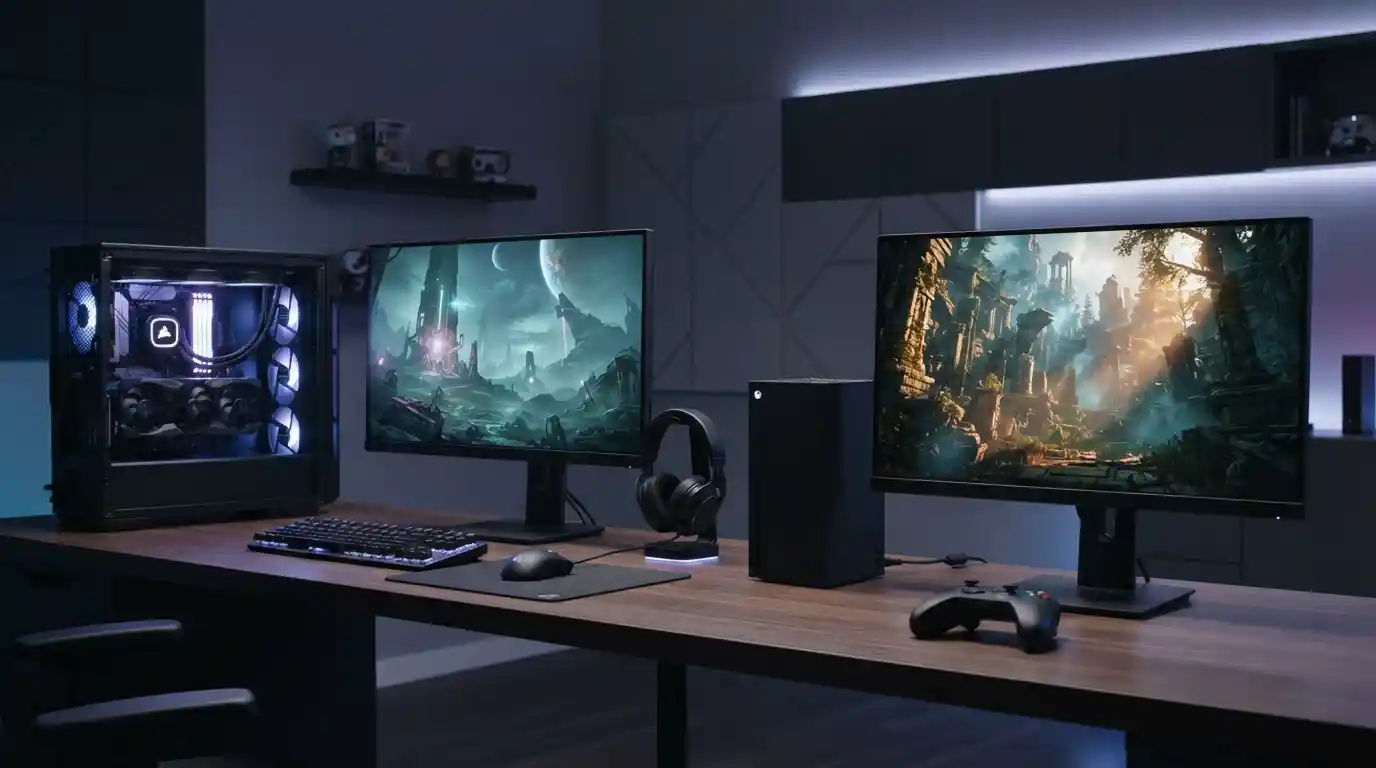
Console and PC gaming offer the same basic goal—playing games for entertainment—but the experience can be very different. Consoles focus on simplicity, standardized hardware, and a living-room-friendly setup, while gaming PCs offer greater customization, upgrade options, graphics flexibility, and broader control over how games run.
Choosing between the two depends on what matters most to you. Some players want to connect a system to a television, pick up a controller, and start playing with minimal setup. Others prefer the flexibility of a computer that can be upgraded, customized, and used for gaming as well as work, entertainment, and other demanding applications.
This guide explains the main differences between console and PC gaming, including hardware, graphics, performance, cost, controls, game libraries, upgrades, online features, portability, and long-term value.
Console Gaming vs PC Gaming at a Glance
The biggest difference is the level of control you have over the hardware and software environment. A console generally comes as a fixed platform with a standardized configuration. A gaming PC can be built from different components and adjusted to suit a player’s needs.
- Consoles: Easier setup, standardized hardware, controller-focused gameplay, and strong integration with televisions and entertainment systems.
- Gaming PCs: More customization, upgrade flexibility, configurable graphics settings, and support for a wide range of peripherals.
- Graphics: PCs can offer extensive resolution, frame-rate, texture, and graphical configuration options, while consoles provide developers with a consistent hardware target.
- Upgrades: PCs generally allow individual components to be replaced or upgraded more easily.
- Price: The initial cost varies widely for both platforms and depends heavily on the hardware and accessories selected.
- Controls: Consoles are traditionally centered around controllers, while PCs support keyboards, mice, controllers, racing wheels, and many other peripherals.
1. Hardware and System Design
One of the clearest differences between console and PC gaming is hardware design. A console is sold as a complete gaming platform. Its processor, graphics hardware, memory, storage, operating environment, and other components are designed to work together as a relatively fixed system.
A gaming PC is much more flexible. Players can select components such as the processor, graphics card, RAM, storage, motherboard, cooling system, case, and power supply. This approach makes PCs attractive to users who want control over their system configuration.
The graphics card is particularly important for gaming PCs because it has a major role in rendering modern games. Understanding how graphics cards impact gaming performance can help players understand why two PCs with different GPUs may deliver very different results.
2. Graphics and Visual Quality
Both consoles and PCs can produce impressive visuals, but they approach graphical performance differently.
Console developers work with known hardware specifications. This consistency allows games to be optimized for a specific platform. Players do not normally need to determine whether their graphics card can handle a particular game because the game is designed for the supported console hardware.
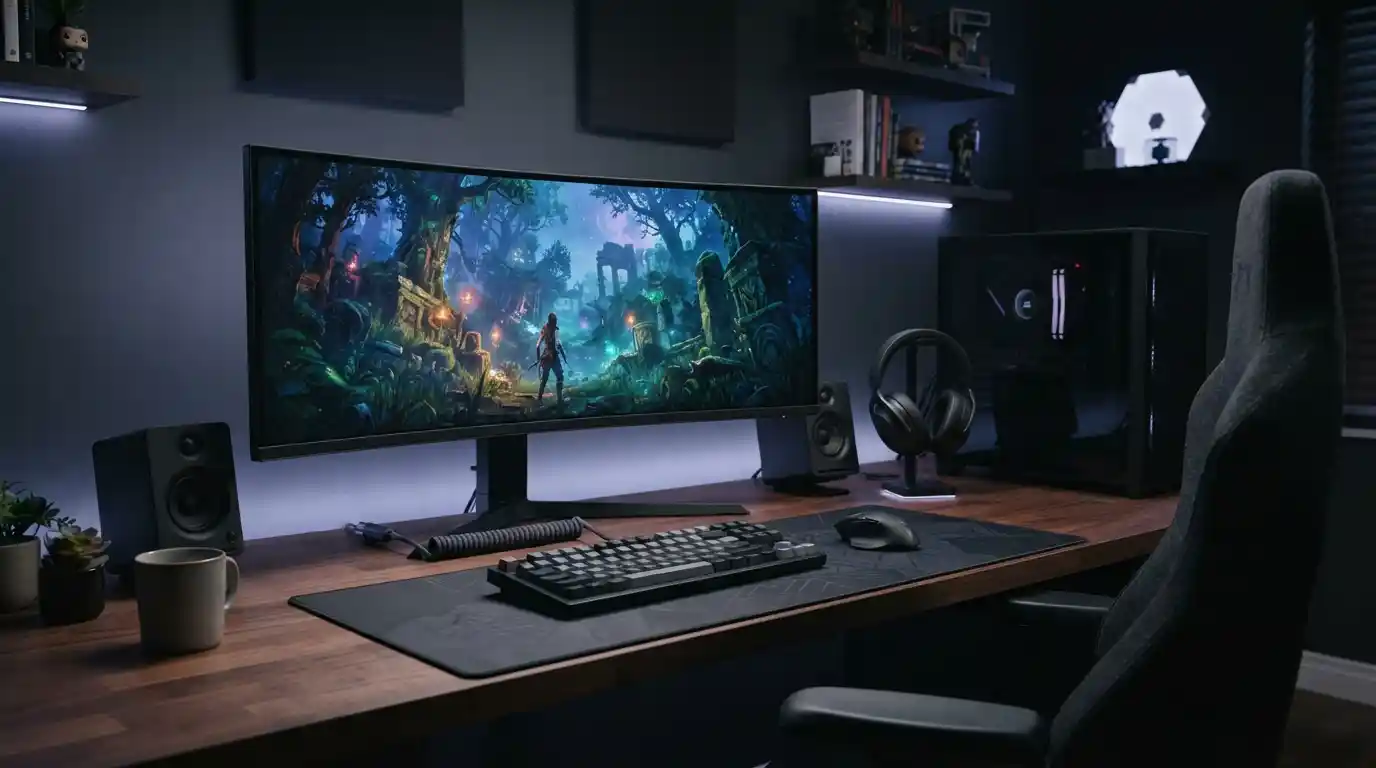
PC gaming provides much greater control. Depending on the hardware, players can adjust resolution, texture quality, shadows, anti-aliasing, view distance, effects, and other settings. A powerful gaming PC can also be paired with high-refresh-rate displays and advanced graphics technologies.
For anyone interested in getting the most from a PC gaming setup, choosing appropriate gaming accessories for immersive experiences can further improve the overall setup.
3. Performance and Frame Rates
Performance is another important distinction. Console games are developed around a controlled hardware environment, which makes performance targets easier to establish. Developers can optimize software for the hardware available to every player on that platform.
PC performance depends on the individual system. A high-end computer may deliver higher frame rates or allow more demanding graphical settings, while a budget PC may require players to reduce some settings.
This flexibility is both a strength and a responsibility. PC players need to understand their hardware and sometimes adjust settings to achieve the desired balance between image quality and performance.
4. Cost of Console vs PC Gaming
Cost is often one of the first considerations when deciding between a console and a PC. However, there is no universal price difference because both platforms have a wide range of hardware, accessories, subscriptions, games, and optional upgrades.
A console can provide a relatively straightforward entry point because the core hardware is purchased as one system. Players may then add storage, controllers, headsets, charging accessories, or other equipment as needed.
PC gaming has a broader price range. A basic gaming computer can be built around affordable components, while high-end systems can become considerably more expensive. Monitors, keyboards, mice, headsets, operating-system costs, storage, and upgrades can also contribute to the overall budget.
For PC buyers, the advantage is that the system can often be improved gradually rather than replaced entirely. That upgrade path can be especially useful for players who want to improve performance over time.
5. Upgrades and Customization
PC gaming has a major advantage in hardware customization. Depending on the system, users can upgrade components such as the graphics card, RAM, storage, processor, cooling, and other hardware.
This means a PC can evolve as gaming requirements change. A player might initially purchase a mid-range system and later add more storage or upgrade the graphics card.
Consoles generally have a more controlled hardware environment. Players usually do not replace core components in the same way they would with a desktop PC. Instead, hardware improvements typically come through newer console generations or compatible accessories.
6. Ease of Setup and Use
Consoles are designed around convenience. Connect the console, install or download the game, connect a controller, and begin playing. This straightforward approach is particularly appealing to people who do not want to spend time configuring hardware.
PC gaming can require more preparation. Drivers, graphics settings, game launchers, operating-system updates, peripherals, and hardware compatibility can sometimes require attention.
That extra complexity also creates additional possibilities. PC users can customize their environment, install supported modifications, use different control methods, and configure games according to their hardware.
7. Keyboard and Mouse vs Controller
Controls can significantly affect the gaming experience. Console gaming is strongly associated with controllers, which work particularly well for racing games, sports titles, platformers, action games, and many third-person experiences.
PC gaming supports controllers as well, but keyboard-and-mouse controls remain especially popular for genres such as first-person shooters, strategy games, simulation titles, and games that require precise cursor movement.
The choice ultimately comes down to the type of games being played and personal comfort. Many PC players use both a keyboard and mouse and a controller, switching between them depending on the game.
8. Game Libraries and Availability
Game availability differs between platforms. Some titles are designed specifically for consoles, while others are released on PC, consoles, or both. Platform-exclusive games can therefore be an important part of the buying decision.
PC gaming also has a long history of supporting older games. Depending on the title, operating system, compatibility requirements, and available support, players may be able to access games released many years ago.
Players should also remember that a game’s availability can change over time. Digital storefronts, publisher decisions, platform support, and licensing arrangements can all affect where a particular game can be purchased or played.
9. Online Gaming and Multiplayer
Both consoles and PCs support online multiplayer gaming. The specific experience depends on the platform, game, account system, network connection, and services associated with the title.
PC gaming has a particularly broad ecosystem because players may use different storefronts, launchers, communication applications, community platforms, and hardware configurations.
Console platforms provide a more standardized online environment. Players generally use the platform’s account and network infrastructure, which can make the experience easier to understand for newcomers.
10. Software, Drivers, and Maintenance
PC players have more software-related responsibilities than console players. Graphics drivers, operating-system updates, game patches, security updates, and compatibility issues can occasionally affect gaming performance.
Keeping software current is important for security and compatibility. Our guide to the risks of using outdated software explains why unsupported or obsolete software can create problems beyond gaming.
Consoles also receive system and game updates, but the hardware environment is more standardized. This reduces the number of hardware combinations developers need to account for.
11. PC Gaming Can Be More Than Gaming
A gaming PC can serve several purposes beyond playing games. The same machine can be used for work, studying, content creation, browsing, streaming, communication, programming, photo editing, and other computing tasks.
This versatility can make a PC appealing to someone who wants one powerful computer for multiple activities. The trade-off is that a suitable PC setup may require more planning than purchasing a dedicated console.
Technology continues to influence how people use computers. For example, developments discussed in articles about technology innovation and business growth demonstrate how computing systems increasingly serve purposes beyond traditional desktop tasks.
12. Portability and Living-Room Gaming
Traditional consoles are well suited to living-room gaming. They can be connected to a television and controlled from a sofa, making them a natural fit for shared entertainment spaces.
Desktop gaming PCs are less portable because they normally require a separate monitor, keyboard, mouse, and power connection. Gaming laptops provide another option for users who want PC gaming with greater mobility.
The right choice depends on where you normally play. Someone who wants a fixed entertainment setup may prefer a console, while someone who needs a computer for several locations may value the flexibility of PC hardware.
13. Storage and Digital Game Management
Modern games can require substantial storage space, making storage management important on both platforms. Players may need to uninstall games they no longer play, expand available storage, or manage large downloadable updates.
PC users generally have more flexibility when designing their storage configuration. Depending on the motherboard, case, and system configuration, a computer can support multiple storage devices.
Consoles provide supported storage expansion options as well, but users generally work within the platform’s compatibility requirements.
14. Which Platform Is Easier for Beginners?
For someone completely new to gaming, a console can be easier to understand because the hardware configuration is relatively simple. There are fewer decisions to make before playing.
PC gaming has a steeper learning curve, but that learning process can be valuable for users who want greater control. Understanding hardware, drivers, settings, peripherals, and upgrades gives players more options when building their setup.
People who already use computers regularly may find the transition to PC gaming relatively natural, while people looking primarily for straightforward gaming may appreciate the simplicity of a console.
15. How Technology Trends Affect Gaming
Gaming does not exist separately from the wider technology industry. Improvements in processors, graphics hardware, storage, displays, networking, artificial intelligence, and software development continue to influence gaming systems.
For example, readers interested in broader technology developments can explore emerging technology and innovation as well as modern data technology.
Artificial intelligence is another area influencing modern computing. Our article on how artificial intelligence improves cybersecurity provides additional context about how AI is being used in technology environments.
Console vs PC Gaming: Pros and Cons
Advantages of Console Gaming
- Simple setup and standardized hardware.
- Designed specifically for gaming and entertainment.
- Controller-focused experience.
- Convenient living-room integration.
- Less need to understand individual PC components.
Limitations of Console Gaming
- Less hardware customization.
- Limited upgrade options compared with desktop PCs.
- Graphics and performance settings can be more restricted.
- Platform-specific ecosystems can limit hardware and software choices.
Advantages of PC Gaming
- Extensive hardware customization.
- Upgradeable components.
- Wide range of graphics and performance settings.
- Support for keyboards, mice, controllers, and specialized peripherals.
- Can be used for gaming, work, study, and creative tasks.
Limitations of PC Gaming
- Hardware selection can be complicated for beginners.
- High-end systems can become expensive.
- Software and driver maintenance may require more attention.
- Performance varies significantly between different PC configurations.
What Should You Choose: Console or PC?
There is no single platform that suits every gamer. The better fit depends on priorities rather than simply comparing specifications.
A console may make sense for someone who wants straightforward gaming, standardized hardware, and a television-based entertainment setup. A PC may be more suitable for someone who values customization, upgradeability, adjustable graphics settings, and the ability to use the same system for many different computing tasks.
Budget also matters. Instead of comparing only the purchase price of the console or PC, consider the complete setup, including the display, storage, controllers or keyboard and mouse, headset, games, subscriptions, and potential upgrades.
Technology preferences can also change over time. A player who starts with a console may eventually build a PC, while a PC gamer may prefer a console for certain games or social situations. The two platforms can coexist rather than being mutually exclusive.
Frequently Asked Questions
Is PC gaming better than console gaming?
PC and console gaming provide different experiences. PCs generally offer more customization and upgrade flexibility, while consoles emphasize standardized hardware and straightforward gaming. The more suitable option depends on individual priorities.
Is PC gaming more expensive than console gaming?
It can be, but not necessarily. Gaming PCs are available across a wide range of prices, while the total cost of console ownership also depends on accessories, games, subscriptions, storage, and other expenses.
Can you use a controller on a gaming PC?
Yes. Many PC games support controllers, and players can choose between a controller, keyboard and mouse, or other compatible input devices depending on the game.
Why do PC gamers upgrade their hardware?
Upgrades can improve gaming performance, increase storage capacity, support higher graphical settings, or extend the useful life of a system without replacing the entire computer.
Are consoles easier to use than gaming PCs?
Consoles generally provide a simpler setup because their hardware is standardized. PCs provide more flexibility but may require users to manage hardware, drivers, software settings, and upgrades.
Final Thoughts
The difference between console and PC gaming comes down largely to flexibility versus simplicity. Consoles provide a controlled gaming environment with straightforward hardware and an easy path from setup to gameplay. PCs provide greater control over components, graphics settings, peripherals, upgrades, and broader computing tasks.
Neither approach needs to replace the other. The right platform is the one that matches your preferred games, budget, performance expectations, control style, and willingness to customize your setup. Understanding these differences makes it easier to choose a gaming environment that fits how you actually play.