Console and PC gaming offer the same basic goal—playing video games—but the experience can be very different. The biggest differences involve hardware, performance, controls, game libraries, upgrades, cost, portability, customization, and ease of use. Understanding these differences can help you decide which platform fits your gaming habits, budget, and expectations.
A console is designed primarily for gaming. You purchase the system, connect it to a television or monitor, install or download games, and start playing. A gaming PC, on the other hand, is a more flexible computer that can be built or configured specifically for gaming while also supporting work, entertainment, content creation, and other applications.
Neither platform works exactly the same way. Console gaming emphasizes simplicity and a consistent hardware environment, while PC gaming offers greater customization and control over hardware and software. This guide explains the major differences so you can understand what each platform brings to the gaming experience.
Console Gaming vs. PC Gaming at a Glance
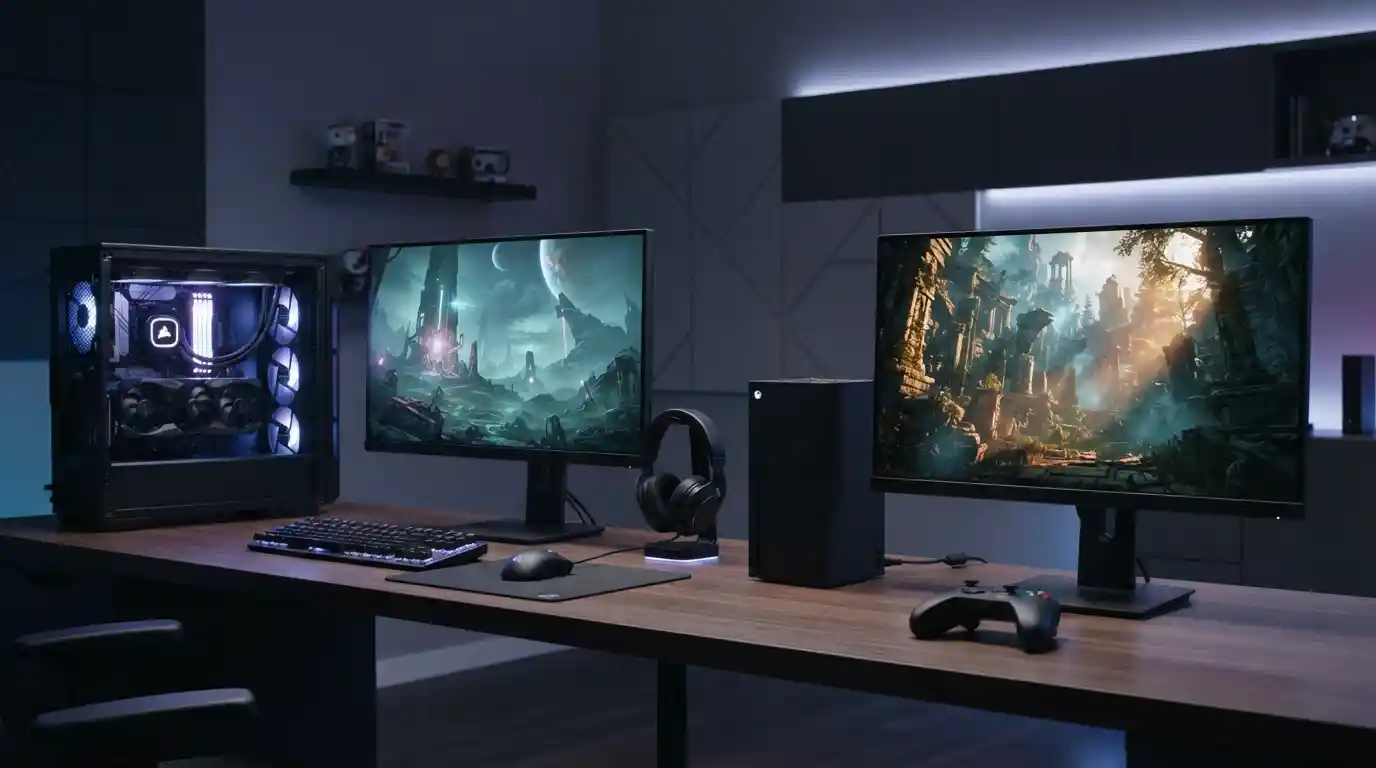
The simplest way to understand the difference is to look at how each platform approaches gaming. Consoles use standardized hardware, while PCs can use many different combinations of processors, graphics cards, memory, storage devices, displays, and peripherals.
| Feature | Console Gaming | PC Gaming |
|---|---|---|
| Hardware | Fixed and standardized | Highly customizable |
| Upgrades | Very limited | Many components can be upgraded |
| Graphics settings | Usually controlled by the developer | Wide range of adjustable settings |
| Controls | Primarily controller-based | Keyboard, mouse, controller, and other peripherals |
| Game installation | Generally straightforward | More configuration may be required |
| Hardware customization | Limited | Extensive |
| Other uses | Gaming and entertainment focused | Gaming, work, creation, browsing, and entertainment |
1. Hardware and Performance
One of the most important differences between console and PC gaming is hardware. Consoles are built around a specific hardware configuration. Developers know the processor, graphics hardware, memory, and storage environment they are targeting, which allows them to optimize games for that platform.
Gaming PCs are much more diverse. Two computers can run the same game while having completely different processors, graphics cards, amounts of RAM, storage systems, and cooling solutions. This flexibility allows PC gamers to choose hardware based on their performance requirements and budget.
Graphics processing is particularly important for modern games. A powerful graphics card can influence resolution, frame rates, visual effects, texture quality, and other graphical features. For a deeper explanation of this component, see how graphics cards impact gaming performance.
PC hardware can also be selected around a specific type of gaming. Someone focused on competitive gaming may prioritize high frame rates and low latency, while another player may prioritize high-resolution visuals and detailed graphics.
2. Upgrades and Customization
Console hardware generally remains consistent throughout its generation. Players may add storage or purchase accessories, but the core processor and graphics hardware cannot normally be replaced in the same way components can be replaced in a desktop PC.
PC gaming provides much greater freedom. Depending on the computer, users can upgrade components such as the graphics card, processor, RAM, storage, power supply, and cooling system. This makes it possible to gradually improve a gaming PC instead of replacing the entire system at once.
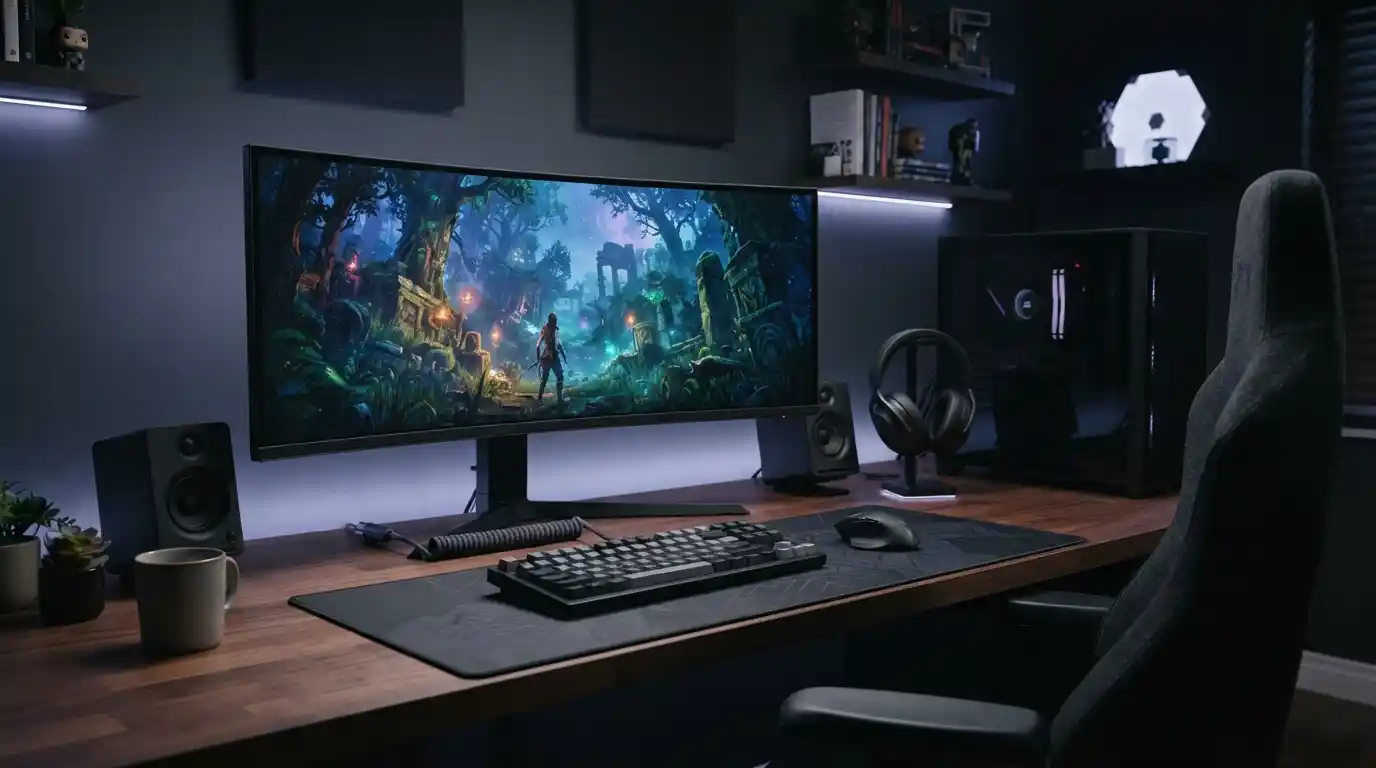
Customization extends beyond internal hardware. PC gamers can choose different cases, keyboards, mice, monitors, audio equipment, controllers, lighting systems, and other accessories. Players interested in building a more immersive setup can also explore gaming accessories for immersive experiences.
3. Graphics and Display Options
Console games are commonly designed around the capabilities of a particular console generation. Many games provide a selection of performance or visual modes, but the available options depend on the game and hardware.
PC games often expose considerably more graphical settings. Players may be able to change resolution, texture quality, shadows, anti-aliasing, view distance, reflections, lighting effects, frame-rate limits, and other settings.
This flexibility can be useful when hardware does not perfectly match a game’s recommended requirements. A player can reduce demanding settings to improve performance or increase graphical quality when the system has additional processing power available.
4. Controls: Keyboard and Mouse vs. Controller
Controllers are central to console gaming. Their standardized design makes them easy to use across many games and particularly comfortable for genres such as racing, sports, platforming, fighting, and many action games.
PC gaming offers more control options. A keyboard and mouse combination is especially useful for first-person shooters, strategy games, simulation titles, and games that require precise cursor movement or numerous commands.
PC gamers can still use controllers. Many modern PCs support popular controllers, allowing players to choose the control method that best matches the game.
5. Game Libraries and Availability
Another major difference is the way game libraries are distributed. Consoles often have platform-specific titles alongside games that are available across multiple systems. PC gaming has its own large ecosystem of digital stores, independent games, older titles, free-to-play games, mods, and community-created content.
PC also has a long history of supporting different types of games. Strategy, simulation, massively multiplayer games, management titles, and complex user-created experiences are particularly prominent within the PC ecosystem.
Before choosing a platform, it is useful to check whether the games you actually want to play are available on it. Hardware specifications matter, but the game library can ultimately have a greater effect on your satisfaction.
6. Ease of Use
Consoles are generally designed around a relatively simple setup process. Connect the system, update it when necessary, install or insert a game, connect a controller, and start playing.
PC gaming can require more configuration. Depending on the game and hardware, players may need to install drivers, adjust graphical settings, troubleshoot compatibility problems, manage storage, or configure peripherals.
This additional flexibility is useful for experienced users, but players who want a straightforward gaming experience may prefer the more standardized nature of consoles.
7. Cost of Console vs. Gaming PC
Comparing the cost of consoles and PCs is not always straightforward. A console requires the system itself, games, accessories, and potentially additional storage or online services. A gaming PC can have a higher initial cost depending on its hardware configuration.
However, PC costs vary enormously. A basic gaming PC and a high-end enthusiast system can have completely different price points. The ability to upgrade individual components also means that a PC can be improved over time.
The total cost should therefore include the hardware, display, peripherals, games, storage, upgrades, and any recurring services required by the type of gaming you intend to do.
8. Mods and Community Customization
PC gaming has a particularly strong modding culture. Depending on the game, players may be able to install modifications that add new characters, maps, visual improvements, gameplay mechanics, user interfaces, or other features.
Mods can significantly extend the lifespan of certain games. They can also allow players to customize an experience beyond what the original developer provided.
Console games can also receive downloadable content and updates, but the level of community modification available is generally more restricted than on an open PC platform.
9. Software, Drivers, and Compatibility
PC gaming requires interaction with an operating system and a wide range of hardware drivers. Graphics drivers, operating system updates, game patches, and other software can all affect performance.
This creates more opportunities for optimization but also introduces additional troubleshooting considerations. Keeping software current can be important because outdated software may create security, compatibility, or performance problems. You can learn more about this topic in the risks of using outdated software.
Consoles also receive system and game updates, but the hardware environment is much more standardized, reducing the number of hardware combinations that developers and users have to manage.
10. Multiplayer and Online Gaming
Both PCs and consoles support online multiplayer gaming, but the specific experience depends on the platform, game, and service being used.
PC gaming can provide a wide range of multiplayer environments, including competitive shooters, strategy games, massively multiplayer experiences, and community-hosted servers. Consoles also offer extensive online multiplayer options and can provide a more consistent experience because players are using standardized hardware.
For either platform, network quality matters. A fast and stable internet connection can be just as important as the gaming hardware when playing competitive online games.
11. Gaming Beyond Traditional PCs and Consoles
The gaming ecosystem is no longer limited to traditional desktop computers and living-room consoles. Mobile devices, cloud-based services, handheld gaming systems, and other connected devices have expanded the ways people interact with digital entertainment.
Smartphones are increasingly capable of running sophisticated applications and games. If you are interested in the broader mobile technology ecosystem, you can explore budget smartphones and their capabilities.
Wearable technology is another part of the broader technology landscape. The future of wearable technology shows how connected devices continue to expand beyond traditional computers and phones.
12. PC Gaming and the Broader Technology Ecosystem
PC gaming exists within a much larger technology environment. Modern computers are used for gaming, communication, productivity, content creation, streaming, artificial intelligence, data processing, and many other activities.
Technology companies continue to develop new hardware and software designed to improve computing performance. Articles such as the latest technology updates can provide broader context about how the technology landscape continues to evolve.
Businesses are also investing heavily in digital infrastructure and technology solutions. For example, technology innovation in modern businesses illustrates how computing technologies are being used beyond entertainment.
Other technology-focused resources, such as modern data technology solutions and technology-driven business innovation, demonstrate the wider role of computing systems.
13. Portability and Living-Room Gaming
Console gaming is often associated with the living room because consoles are commonly connected to televisions. This makes them convenient for shared entertainment spaces and couch-based multiplayer.
A desktop gaming PC usually requires a more permanent setup, particularly when paired with a large monitor, keyboard, mouse, and dedicated gaming accessories. Gaming laptops provide another option for players who need portability while retaining access to PC games.
The best arrangement depends on where you play. Someone who regularly moves between locations may value portability, while someone with a dedicated gaming room may prefer a desktop setup.
14. Maintenance and Troubleshooting
Console maintenance is generally straightforward. Players may need to manage storage, install updates, clean the system, and troubleshoot network or software problems.
PC maintenance can be more involved. Dust management, cooling, driver updates, operating system issues, component compatibility, storage management, and hardware upgrades may all become part of ownership.
That additional responsibility comes with an important benefit: PC owners have more opportunities to diagnose, modify, and improve individual components instead of relying entirely on a fixed hardware platform.
15. Which Platform Fits Different Types of Gamers?
The choice between console and PC gaming depends heavily on what you value most.
- Choose a console-oriented setup if you prefer simple installation, standardized hardware, controller-focused gaming, and a straightforward living-room experience.
- Choose a PC-oriented setup if you value hardware customization, adjustable graphics settings, keyboard and mouse controls, upgrades, multitasking, and a broad range of software.
- Consider both if you want access to platform-specific games and enjoy different types of gaming experiences.
Your decision should also account for the games you play most often. A competitive player may prioritize frame rates and precise controls, while a casual player may care more about convenience and ease of use.
16. How Graphics Cards Affect the Choice
Graphics hardware deserves special attention when comparing PCs with consoles. On a PC, the graphics card is a component that can be selected and upgraded independently. This gives users control over the performance level they want to target.
A graphics card can influence rendering performance, resolution, visual effects, and frame rates. If you want to understand the relationship between graphics hardware and game performance in greater detail, read how graphics cards impact gaming performance.
Consoles approach graphics performance differently because the hardware configuration is fixed. Developers can optimize their games around that known hardware, while PC developers have to account for a much broader range of configurations.
17. The Role of Gaming Accessories
Accessories can significantly change the gaming experience on either platform. Headsets, controllers, keyboards, mice, monitors, microphones, webcams, racing wheels, and other peripherals can provide additional functionality.
PC users typically have a larger selection of compatible peripherals because of the open nature of the platform. Console users can also choose from many accessories, although compatibility may depend on the specific console.
A well-designed setup can improve comfort and immersion without necessarily requiring the most expensive hardware. Choosing accessories based on the games you play is often more useful than simply buying the largest collection of peripherals.
18. The Difference in Long-Term Ownership
Console generations tend to follow a relatively predictable hardware cycle. A console remains the primary platform for a generation, although newer revisions and successor systems may eventually appear.
PC ownership is more modular. A user can replace individual components as technology develops. For example, upgrading a graphics card may provide a significant performance improvement without requiring an entirely new computer.
This makes PC gaming particularly appealing to users who enjoy experimenting with hardware. However, upgrading also requires knowledge about component compatibility, power requirements, cooling, and system configuration.
19. Why the Difference Still Matters
The console-versus-PC debate is ultimately about different approaches to gaming rather than two identical platforms competing in exactly the same way. Consoles focus on a controlled and standardized experience. PCs prioritize flexibility and customization.
Technology continues to blur the boundaries between platforms. Modern consoles provide increasingly advanced graphics and online capabilities, while PCs can be connected to televisions and used with controllers to create a console-like experience.
At the same time, improvements in graphics technology, processors, storage, networking, and software continue to change what players expect from gaming hardware.
Conclusion
The difference between console and PC gaming comes down to flexibility, hardware, controls, cost, game availability, maintenance, and the overall way you want to interact with games.
Consoles offer a standardized experience that is generally straightforward to set up and use. PCs offer greater control over hardware, graphics, peripherals, software, and future upgrades. Neither approach is identical, and the right choice depends on the games you play, your budget, your preferred controls, and how much customization you want.
If you enjoy adjusting hardware and software and want a system that can serve many purposes beyond gaming, PC gaming provides substantial flexibility. If you want a dedicated gaming device with a simpler setup and consistent hardware, a console may better match your preferences.
Understanding these differences makes it easier to choose a gaming platform based on your actual needs rather than simply following general platform preferences.